COOLINKEY
Meet CLX1.
A fingerprint smart chain lock designed to bring a more intuitive access experience to everyday life.

COOLINKEY
A fingerprint smart chain lock designed to bring a more intuitive access experience to everyday life.
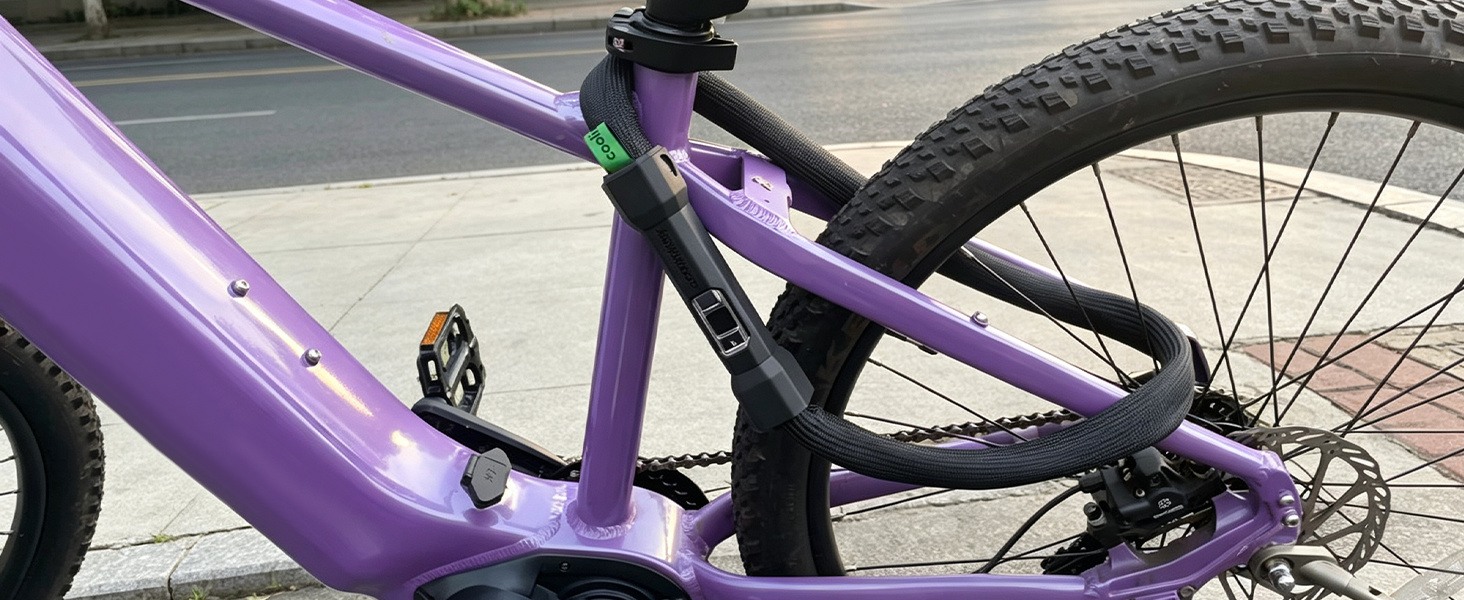
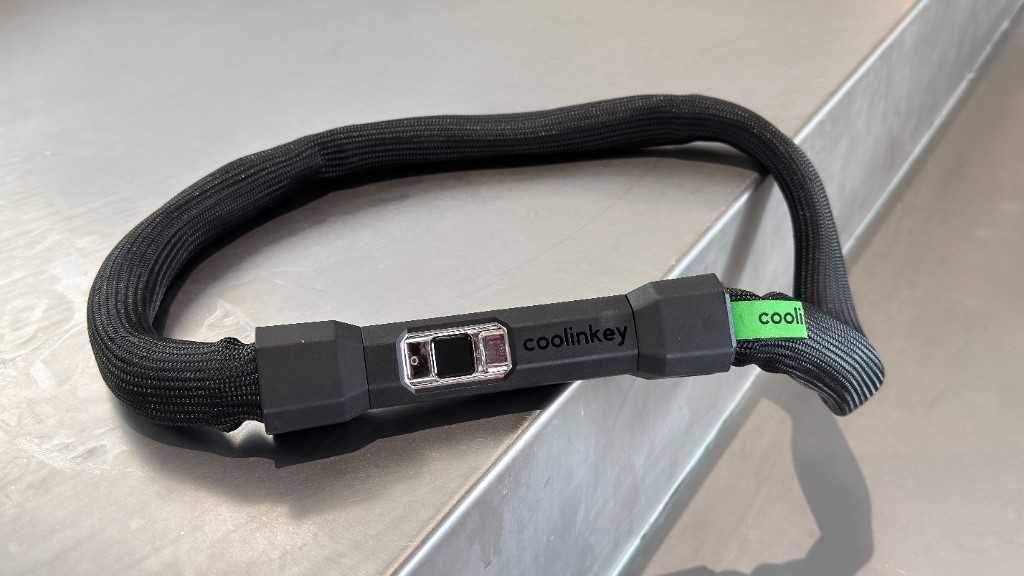
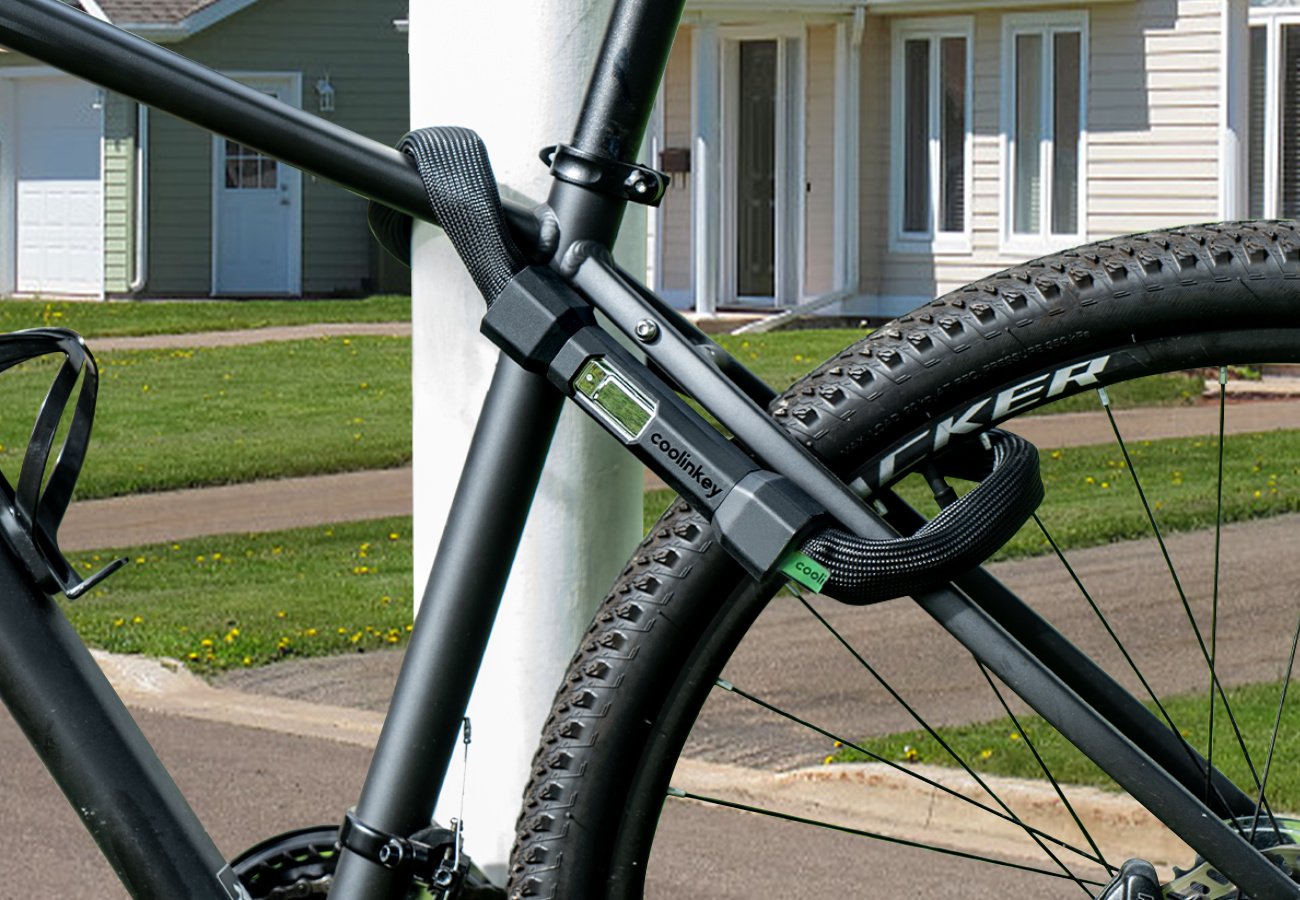
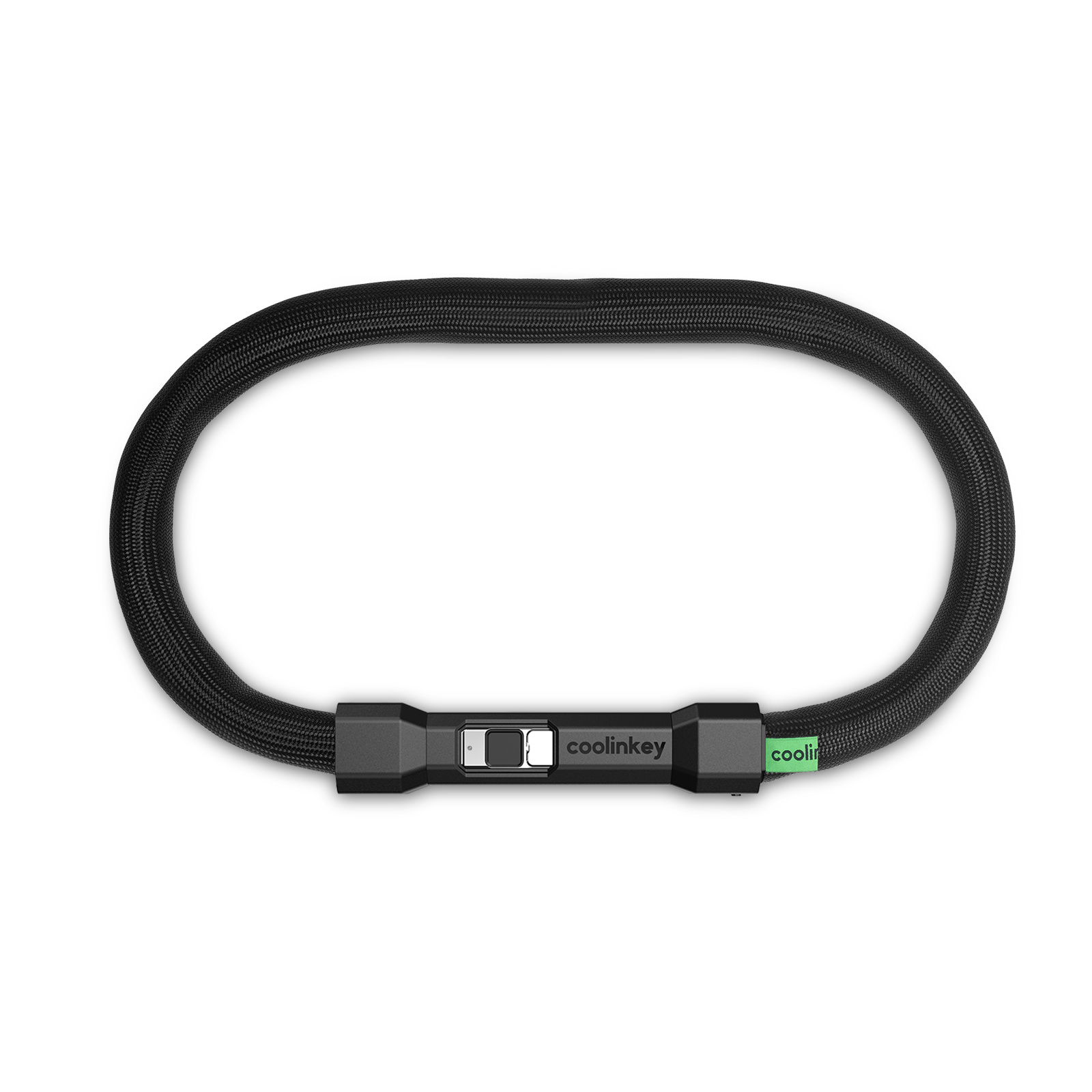
CLX1 fingerprint smart chain lock
A smart chain lock with fingerprint access, app management, IP67 protection and a mechanical backup key. Steel wire diameter: 6 mm.
Unlock with your fingerprint, the app, or a mechanical key.
Set up and learning in minutes.
Pair over Bluetooth 5.0.
Register up to 60 prints.
One-touch access, no keys.
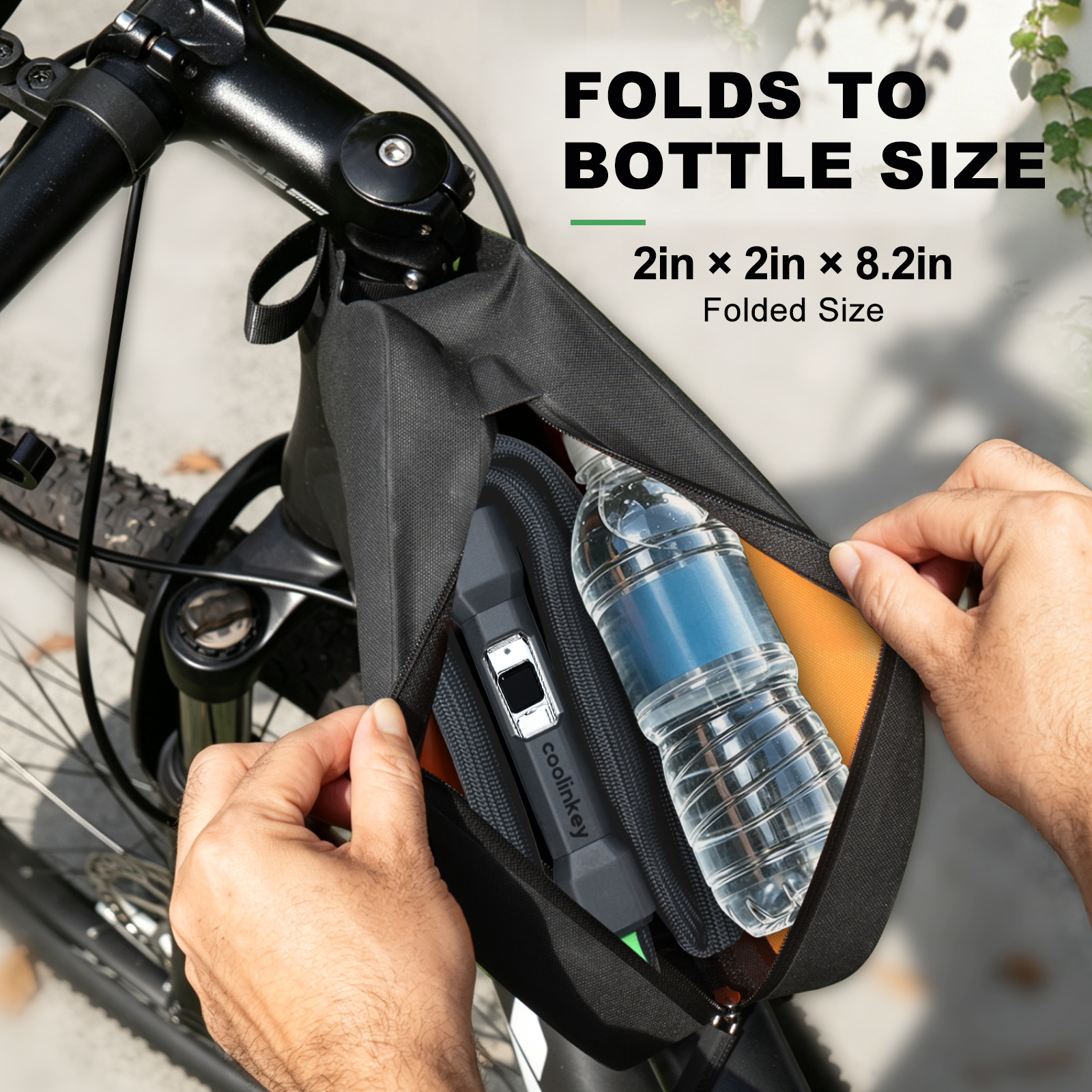
Lightweight, portable and easy to carry wherever your day takes you.
Engineered for everyday use
Real-world testing. A closer look at how CLX1 responds to pressure.
01 / Featured test
See CLX1 in a real-world tire-pressure demonstration.
Tire-test video not in this project. This frame is reserved for the car-tire recording. It is not test footage.
02 / What we evaluate
These describe what an inspection looks at. They are not completed test results.
Inspect the product for visible structural damage.
Document actual condition and functionality after testing.
Everything you need to set up, use and troubleshoot your coolinkey. Find manuals, videos and step-by-step guides — all in one place.
Get up and running in minutes.
Manuals and PDFs for your CLX1.
Watch and learn, in real time.
Solve common issues quickly.
Dry or clean the sensor, then re-enrol the print with even pressure. Avoid moisture and heavy gloves during setup.
Use a USB-C cable. If the lock is fully drained, connect a power bank to the Type-C port to unlock, then charge fully.
The backup key is for emergencies. Insert fully, turn firmly, then store the key separately from the lock.
Our support team is here for you.
Smart Security. Made for Everyday.
At COOLINKEY, we believe everyday security should feel simple, intuitive, and thoughtfully designed.
We create smart locking solutions that bring together modern access technology, practical design, and the flexibility people need in everyday life.
From the way you unlock to the way you secure your belongings, every detail is designed to make security easier to use and easier to live with.
COOLINKEY — Less Complexity. More Possibility.
Support
Download the setup steps, user manual and video.
Set up and learning in minutes.
Pair over Bluetooth 5.0.
Register up to 60 prints.
One-touch access, no keys.
Support
Answers for the situations we can confirm.
Dry or clean the sensor, then re-enrol the print with even pressure. Avoid moisture and heavy gloves during setup.
Use a USB-C cable. If the lock is fully drained, connect a power bank to the Type-C port to unlock, then charge fully.
The backup key is for emergencies. Insert fully, turn firmly, then store the key separately from the lock.
Support
If the questions above don't cover it, leave a message here.
For anything about CLX1, email support@coolinkey.com.